Corporate games, sorted
Thirty companies, a dozen games, one day. Each company registers its own staff through its rep, the fees are tracked, and the draws, the results and the overall table are on one link, with your sponsors on every screen.
Free to get started. Upgrade only when you need more.
Watch corporate games being run
Fifty seconds in the real app. The Accra Business Games and every company in them are made up; the screens are the app as it is.

For a day of many games and many companies
Football on two pitches, sprints and relays on the track, a sack race, tug of war and Scrabble in the tent, with every company competing for one overall winner. Today that runs on paper forms, phone calls and a whiteboard.
Media houses and event companies
The city’s corporate games: thirty companies, a dozen games, sponsors on every screen.
Companies
Staff sports days and fun days, with departments or branches competing.
Associations and chambers
Games days for member companies, from bankers to builders.
What you do, and what the app does
Registration, the day itself, and after it.
- 01
Registration, without the paper forms
Each company registers itself, from its own rep’s phone.
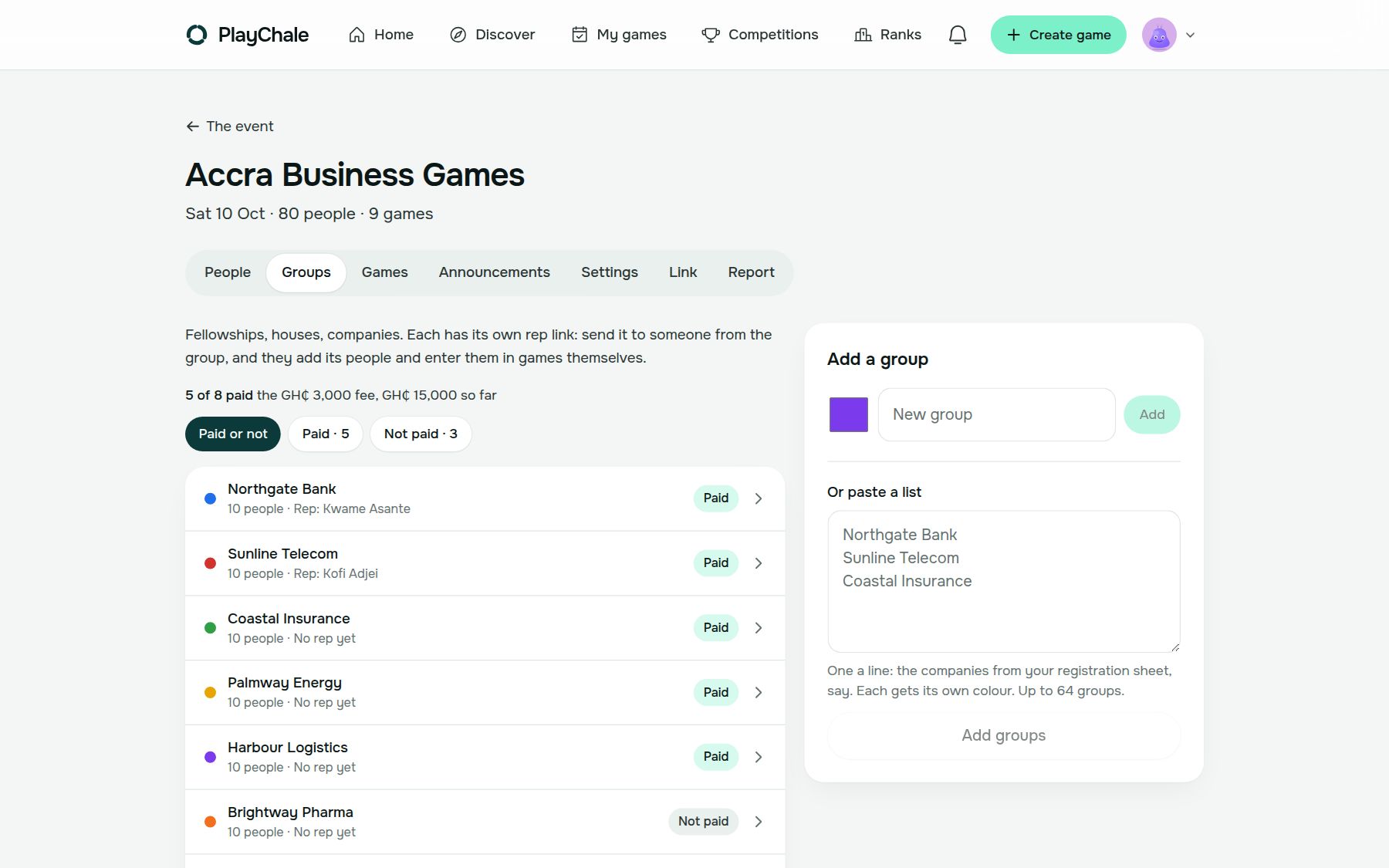
- Paste the companies taking part: up to 64, each in its own colour
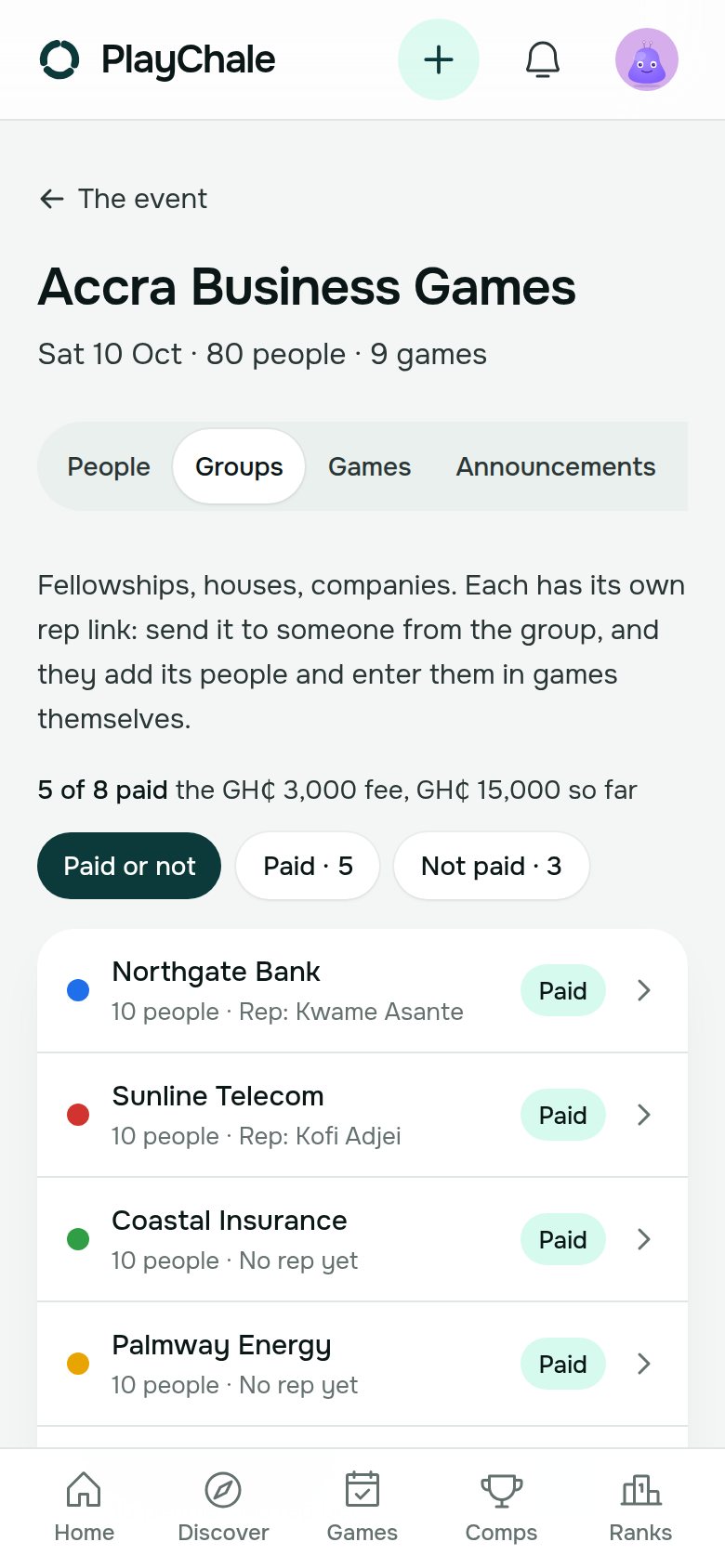
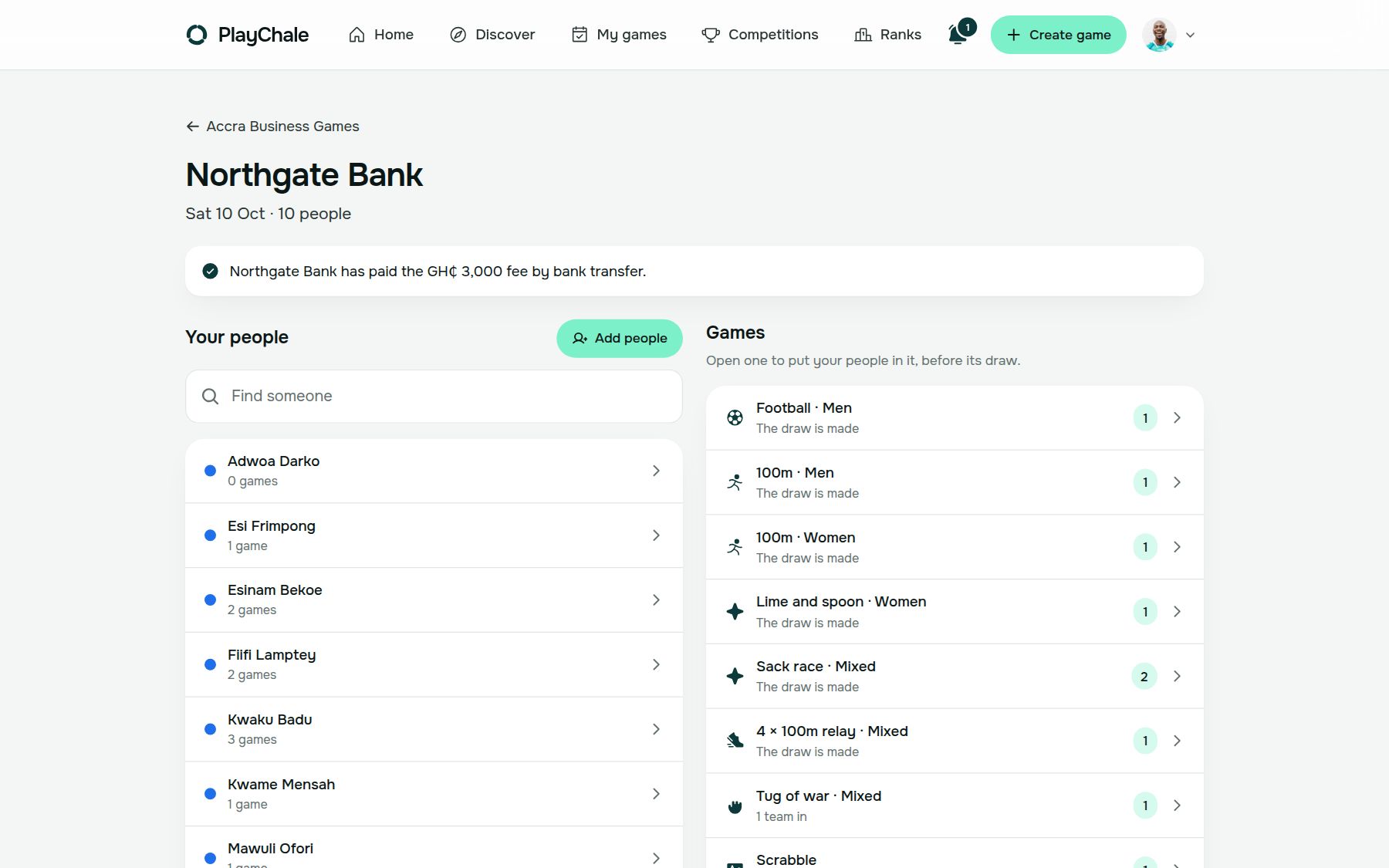
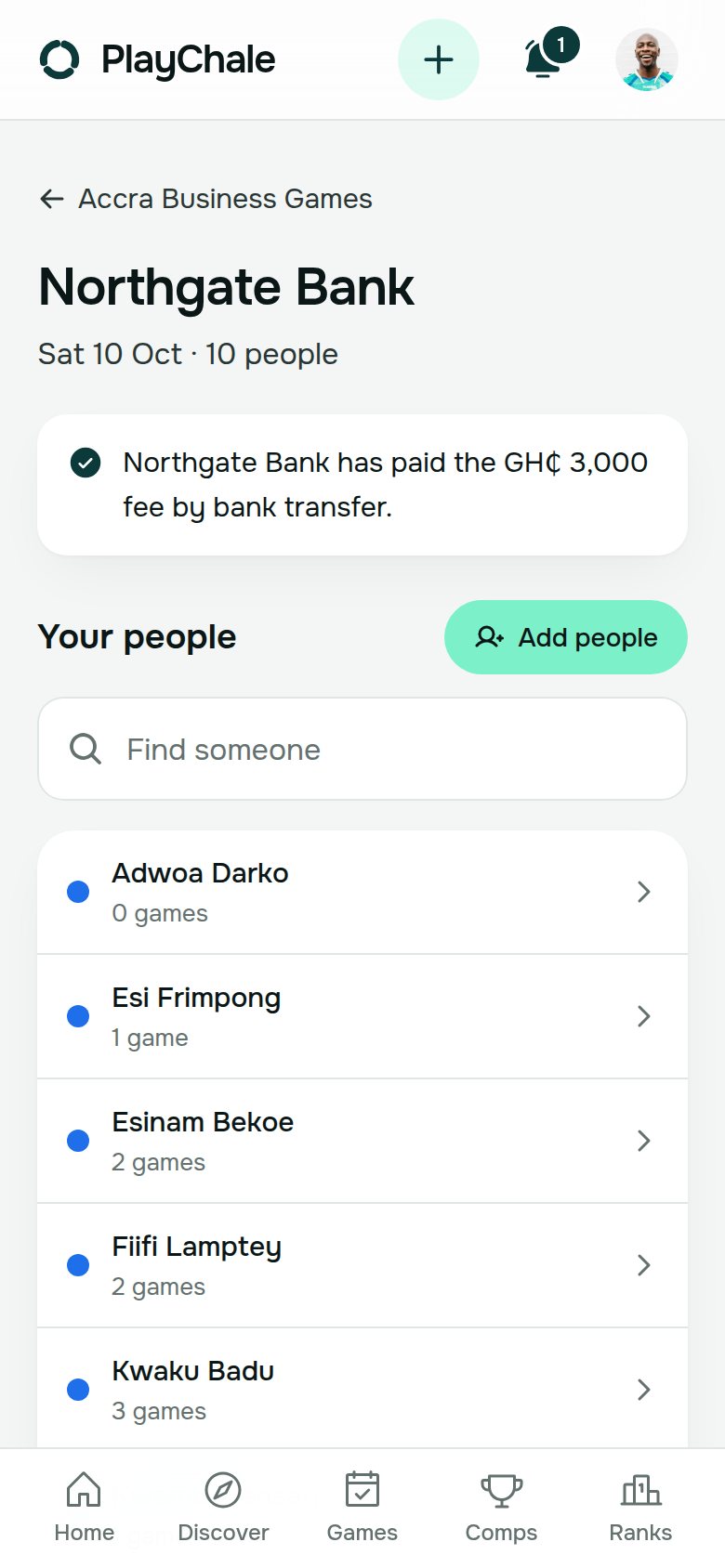
- Each company gets its own rep link. Their rep signs in, adds their staff and picks their events, for their company only
- Set a fee per company and mark each one paid, by bank transfer, MoMo or cash. PlayChale never holds the money
- Close sign-ups when the forms would have closed. After that, changes are yours
- 02
On the day, every game and the overall table
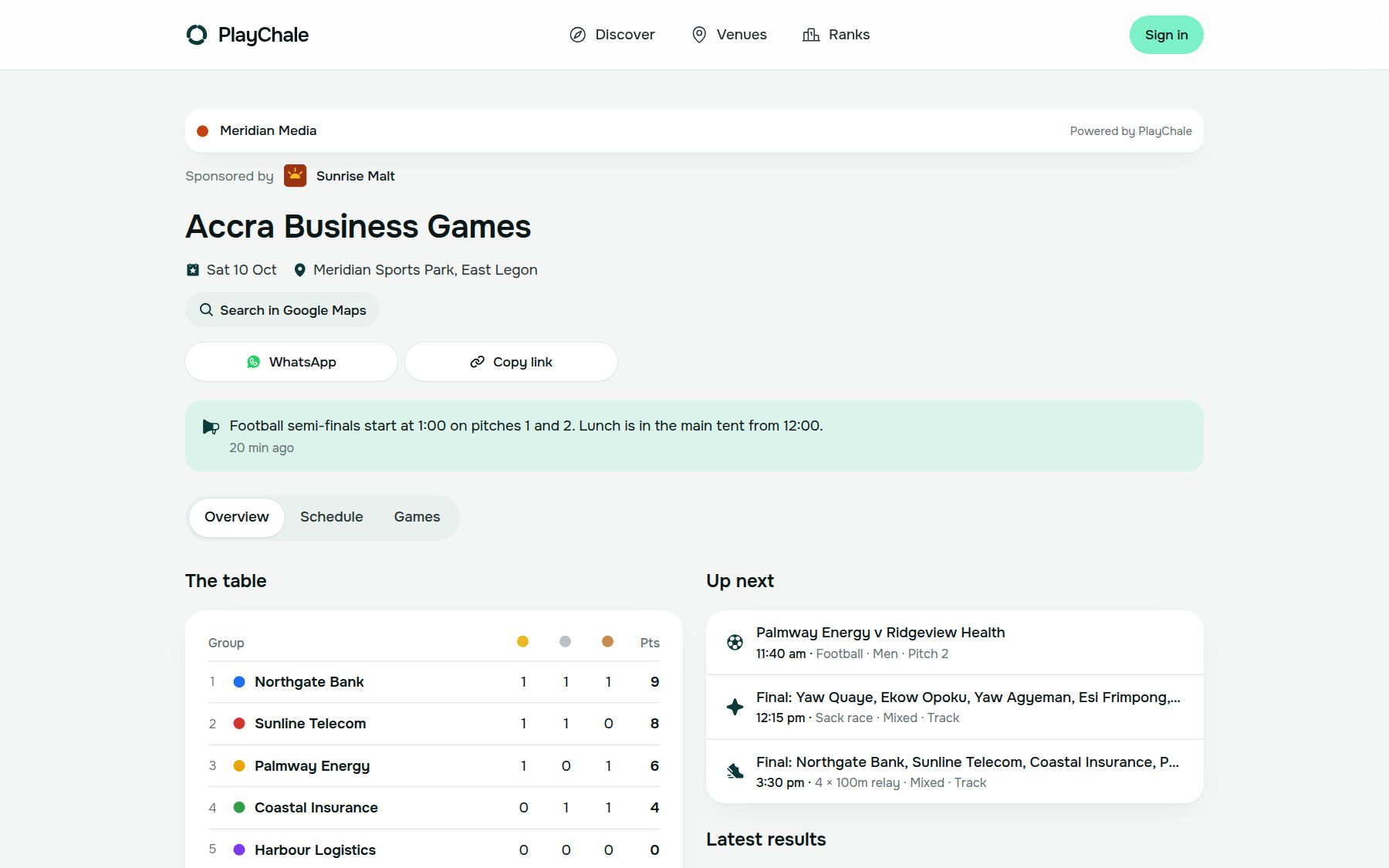
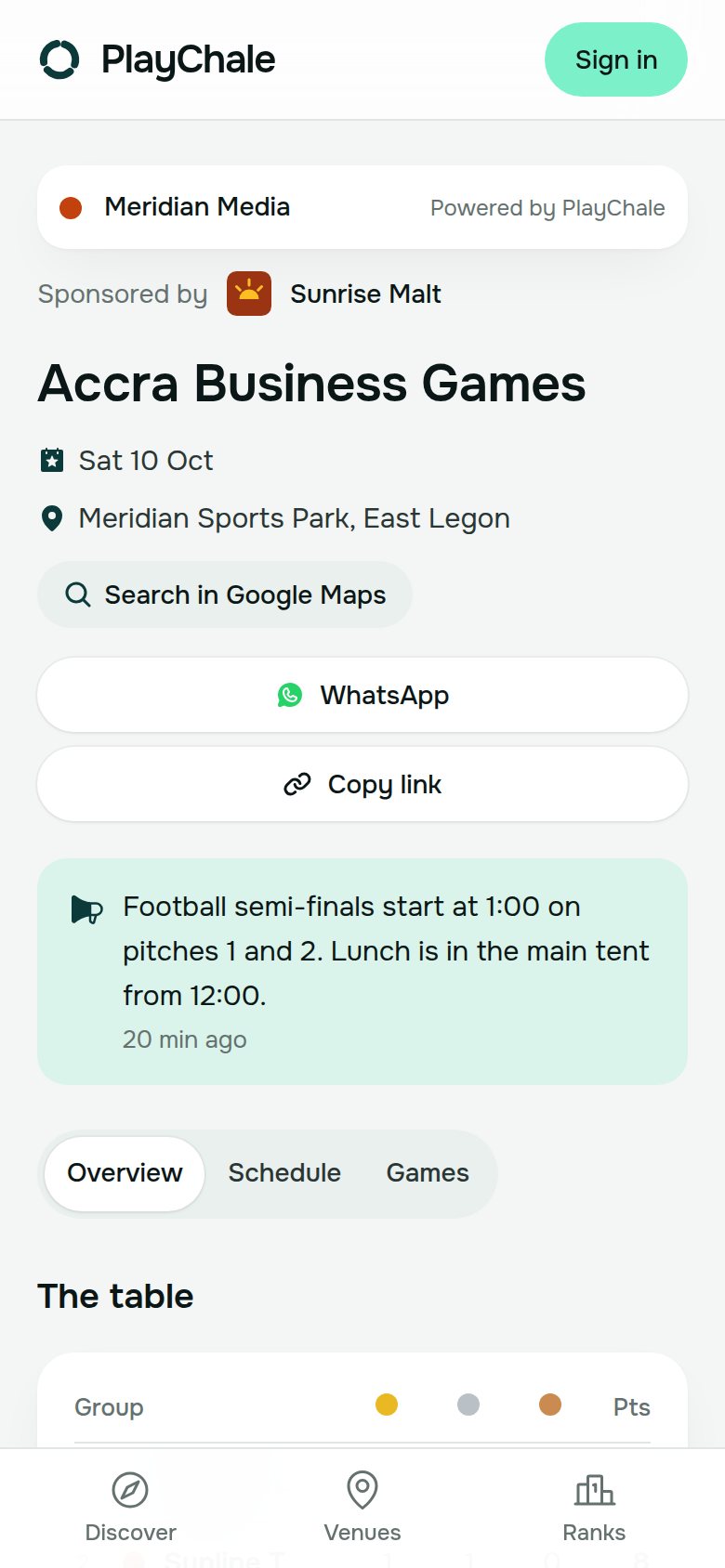
Football on two pitches, races on the track, Scrabble in the tent: one schedule.
- Every game with its times and places. If someone is down for two at once, the app tells you
- Coordinators put results in from their phones: knockouts, leagues, heats and finals, pools
- Points and medals counted the moment a result goes in, so everyone knows who’s leading
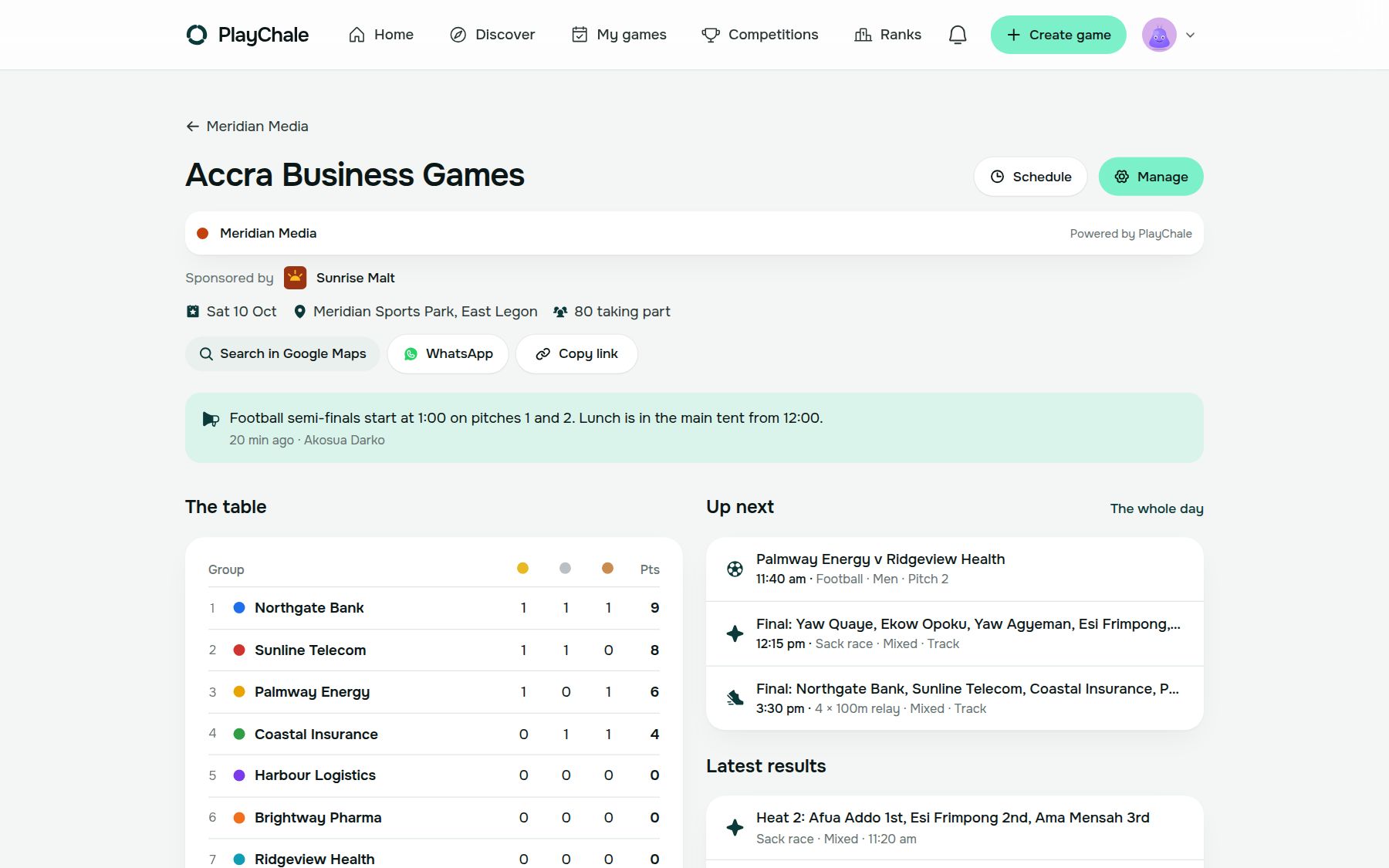
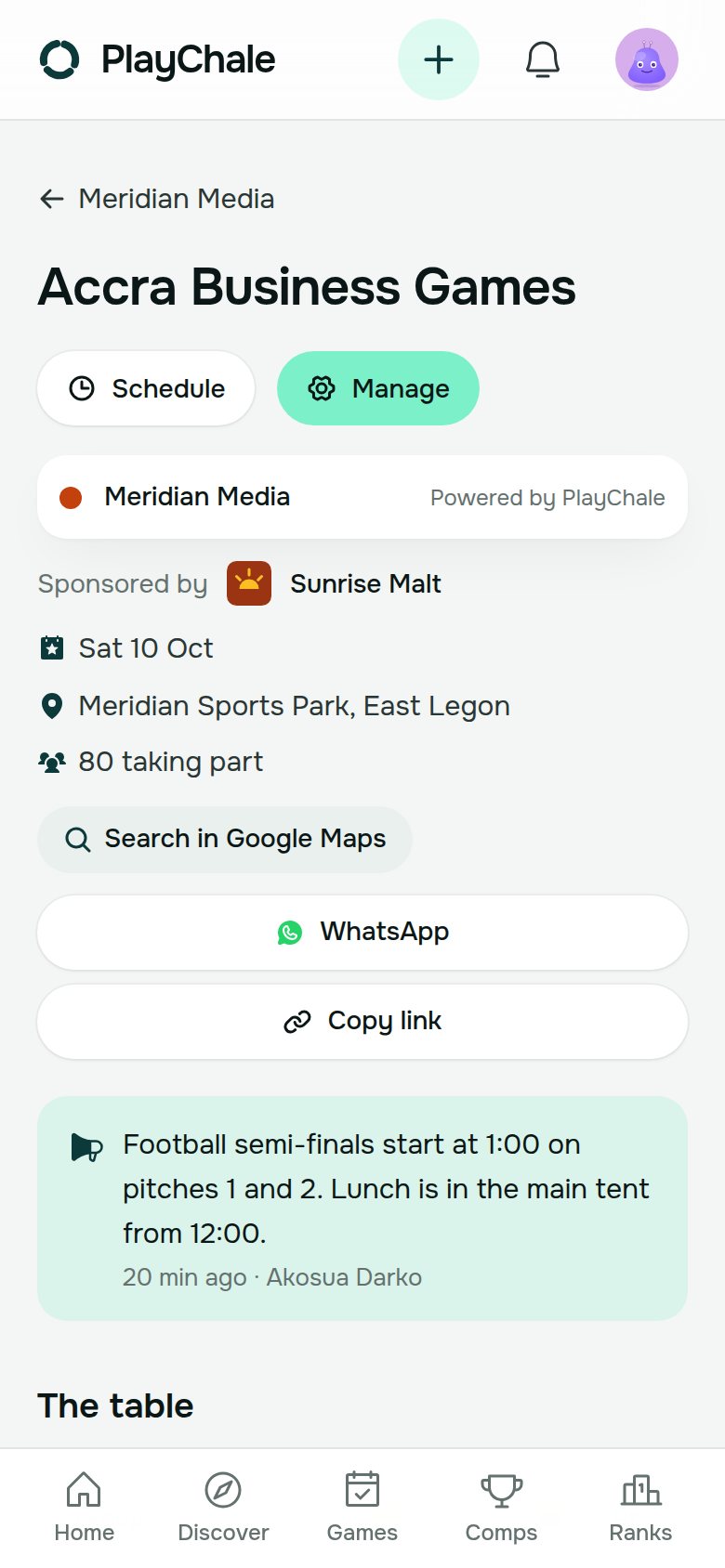
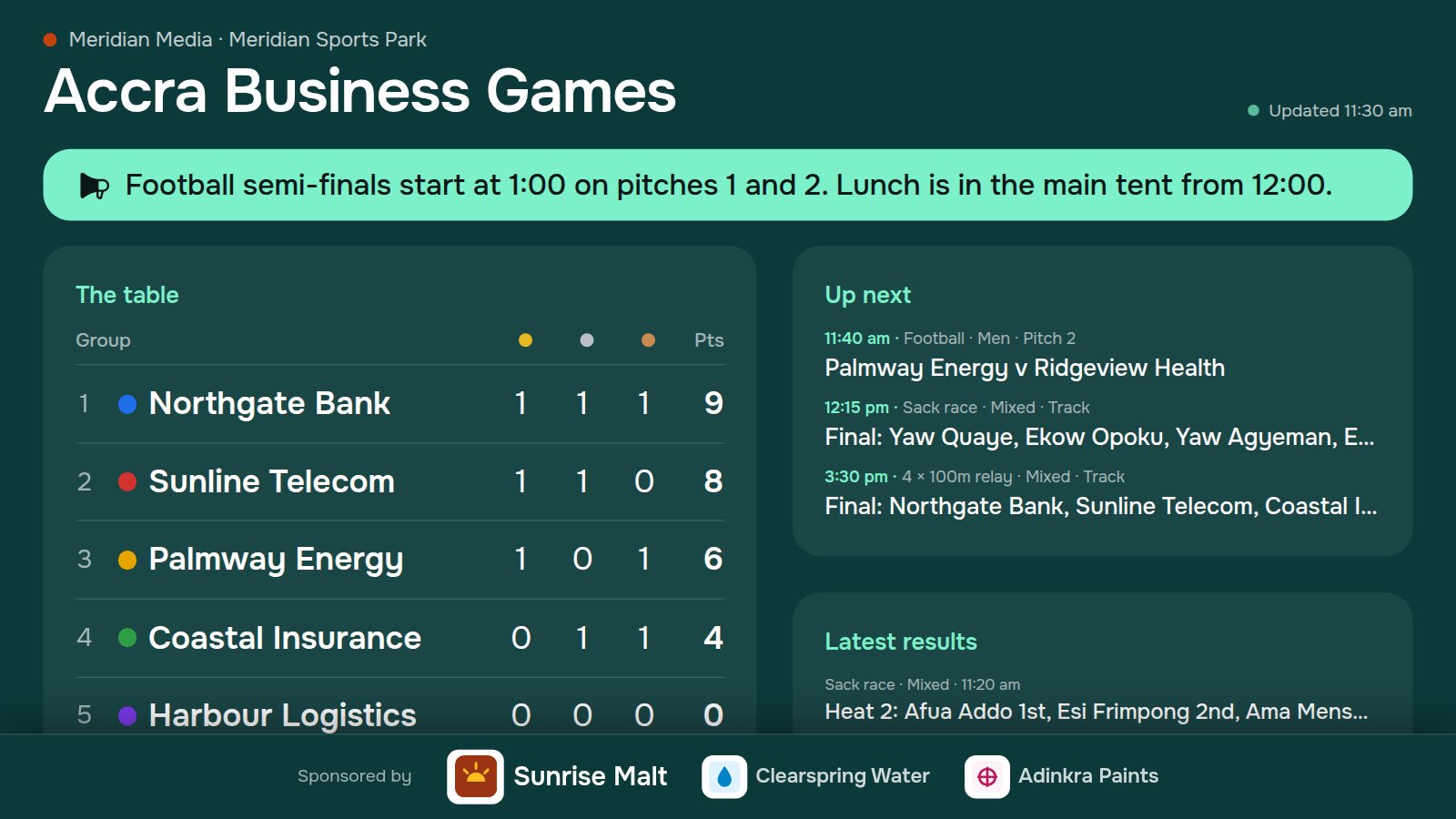
- Announcements to everyone: “Semi-finals start at 1:00 on pitches 1 and 2.”
- A board for the big screen and a public page for fans, both carrying your sponsors
- 03
Afterwards, the winners list and next year
Ready for the write-up, the broadcast and the sponsors’ report.
- Every game’s winners and the overall table, kept
- Spreadsheets of the companies and their fees, the people and every result
- Copy the event for next year: the same companies, games, fee and sponsors, with new rep links
Your sponsors. Name your sponsors and add their logos. The headline sponsor leads the public page and the event’s page, and every sponsor stays on the foot of the board on the big screen.
The screens, as they are
On a laptop and on a phone, from a made-up corporate games day in the app. Meridian Media and every company in it are invented.
Everyone sees their part
Care with names, numbers and who changes what.
Each rep sees their own
A company’s rep changes only their company’s people and entries, and sees only its fee.
No numbers on show
Nobody’s phone number, account or payments are on the board or the public page. Names only.
The public page is yours to switch
Off until you turn it on, kept out of search engines, and its link stops working when you turn it off.
Coordinators see their games
They put in results for the games you give them, and nothing else.
Four steps to your first one
All anyone needs is a phone with a browser. Nothing has to be installed, though PlayChale can be added to the home screen like an app.
- 1Sign in with your Ghana phone number, your email or Google, and create a workspace for your company or media house under Organisations.
- 2Create the event, paste the companies taking part and set the fee per company.
- 3Send each company its rep link. Their reps add their staff and pick their events.
- 4On the day, give coordinators their games, put the board on the big screen and share the public page.
Planning corporate games this year?
We’ll set it up with you: the companies, the games, the sponsors and the board on the day.