Games day, sorted
PlayChale runs your games day from the phones you already have: every game, every fellowship or house, the draws, the times, the results and the overall table, in one place. Members and families follow along from one link.
Free to get started. Upgrade only when you need more.
Watch a games day being run
Forty seconds in the real app. Hillview Chapel and its people are made up; the screens are the app as it is.

For a day of many games at once
Football, volleyball, table tennis, oware, ludo, a sack race and a quiz, all on one morning, with groups competing across them for one overall winner. Today that runs on paper, a notice board and a lot of “who’s next?”.
Churches
Fellowship games days and youth ministry sports.
Schools
Inter-house sports, class games and sports days.
Alumni and communities
Reunion games, estate and family fun days.
What you do, and what the app does
Before the day, on the day, and after it.
- 01
Set it up in an evening
Your groups, your people and your games, and when and where each one is played.
- Add your groups — fellowships, houses or classes — each in its own colour
- Add people by typing or pasting a list of names, or share one link: members put their name and number and pick their games, with no account needed
- Pick games from a ready list — football, volleyball, table tennis, oware, ludo, draughts, races, a quiz — or make your own, with categories like Men, Women or Under 12
- Choose how each is played: knockout, league, heats and a final, or pools then a knockout
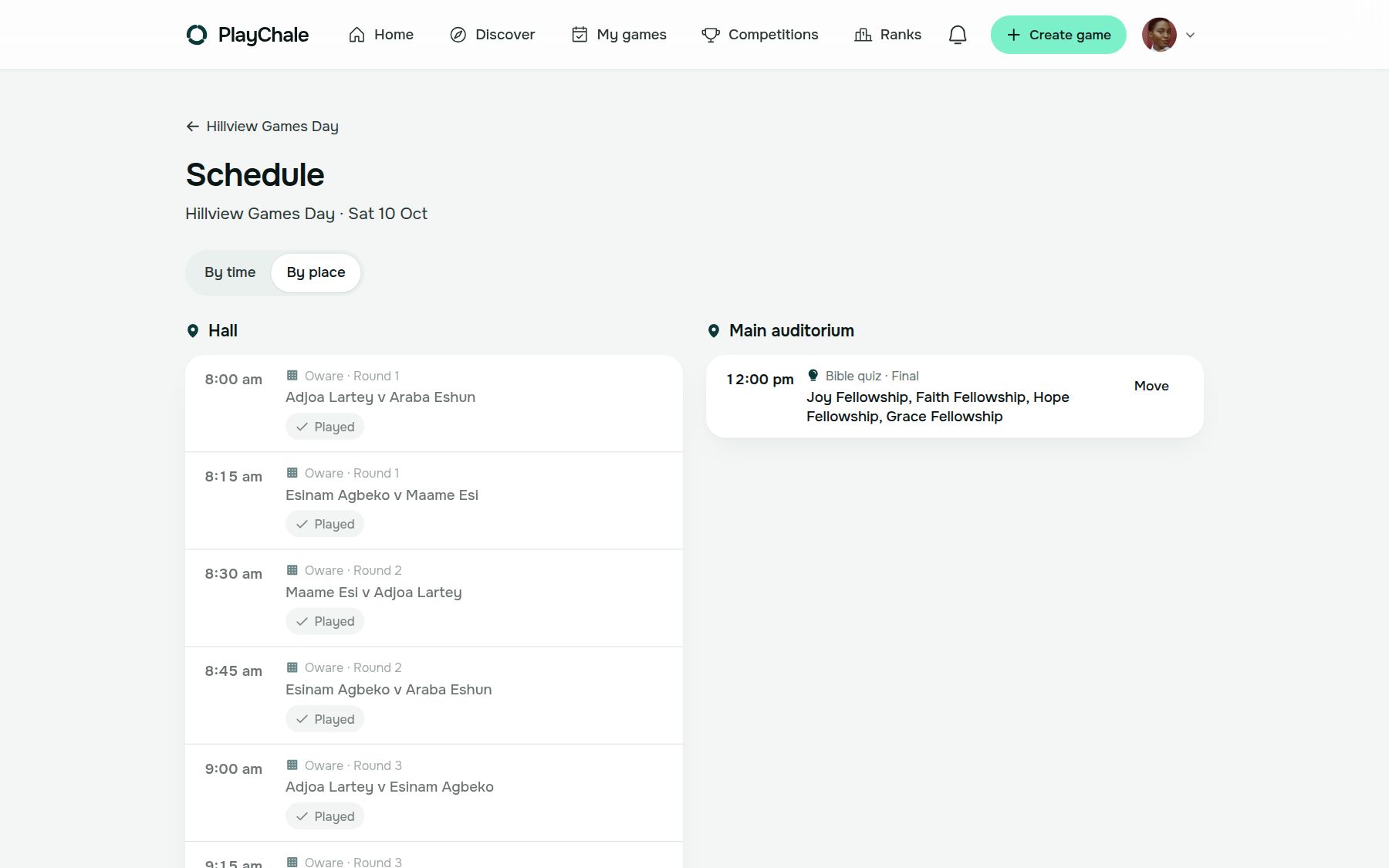
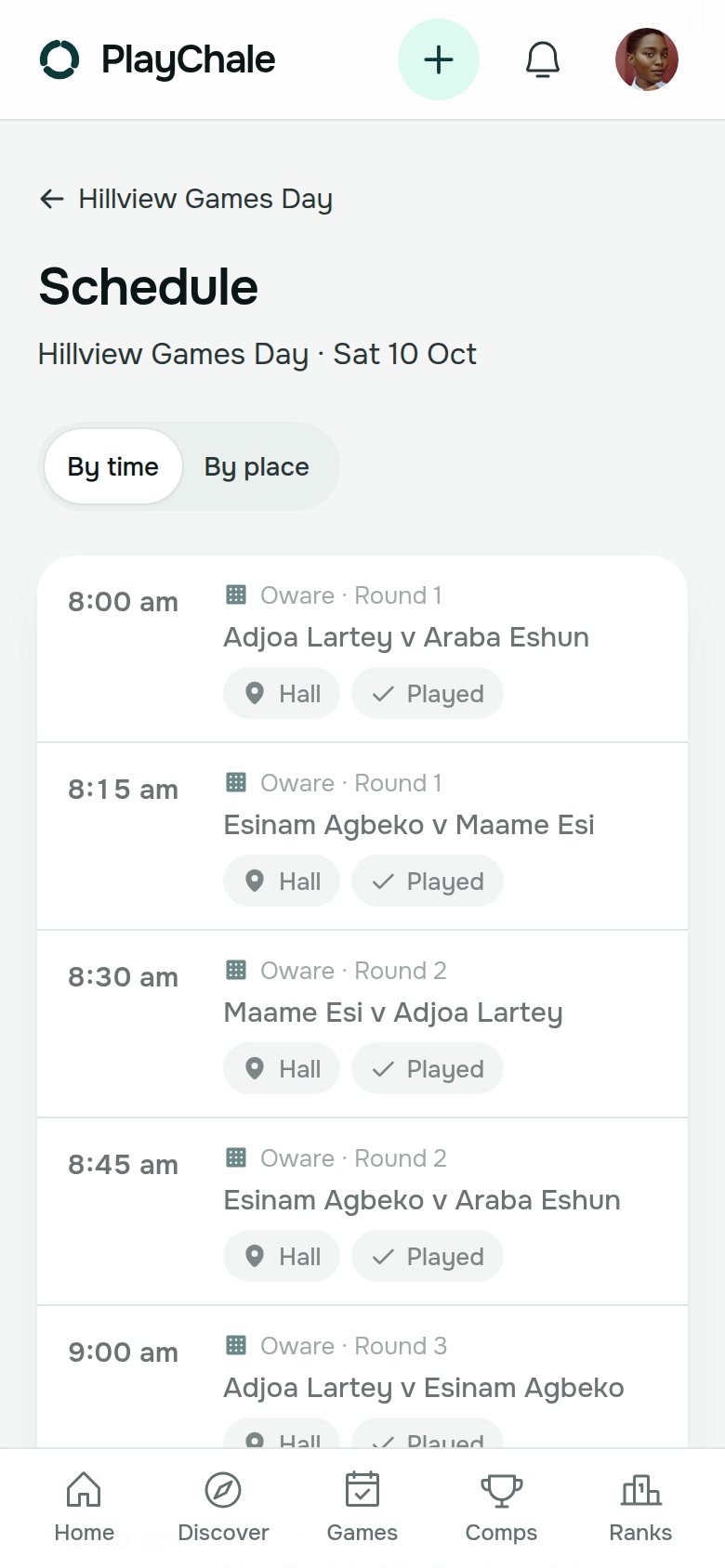
- Plan the times and places. If someone is down for two games at once, the app tells you
- 02
On the day, results in and the table up to date
Nobody runs back to a notice board to find out who’s next.
- Coordinators put results in from their own phones, for the games you give them
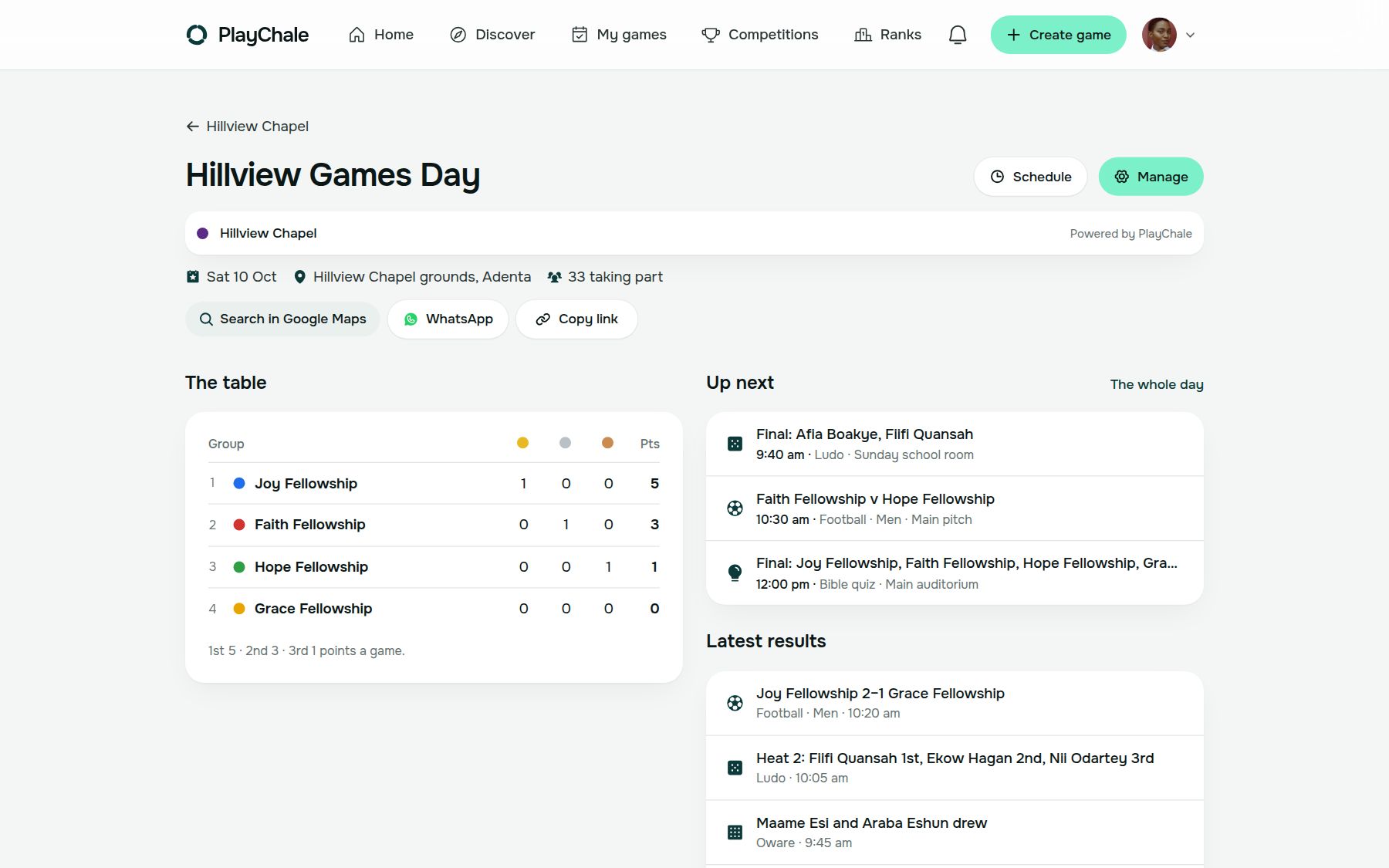
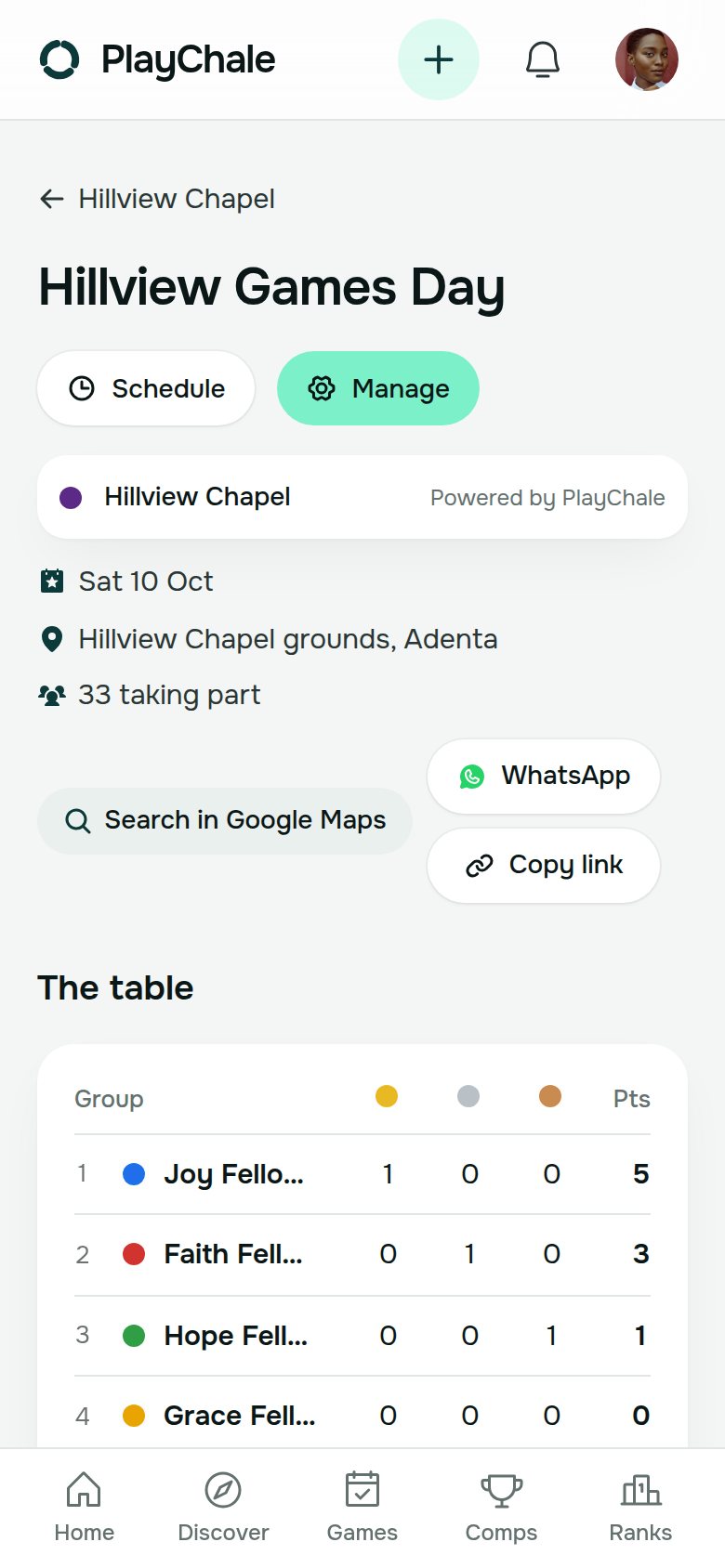
- Draws move on by themselves, and the points are counted the moment a result goes in, so everyone knows who’s leading
- Post announcements to everyone: “The football final moves to Court 2.”
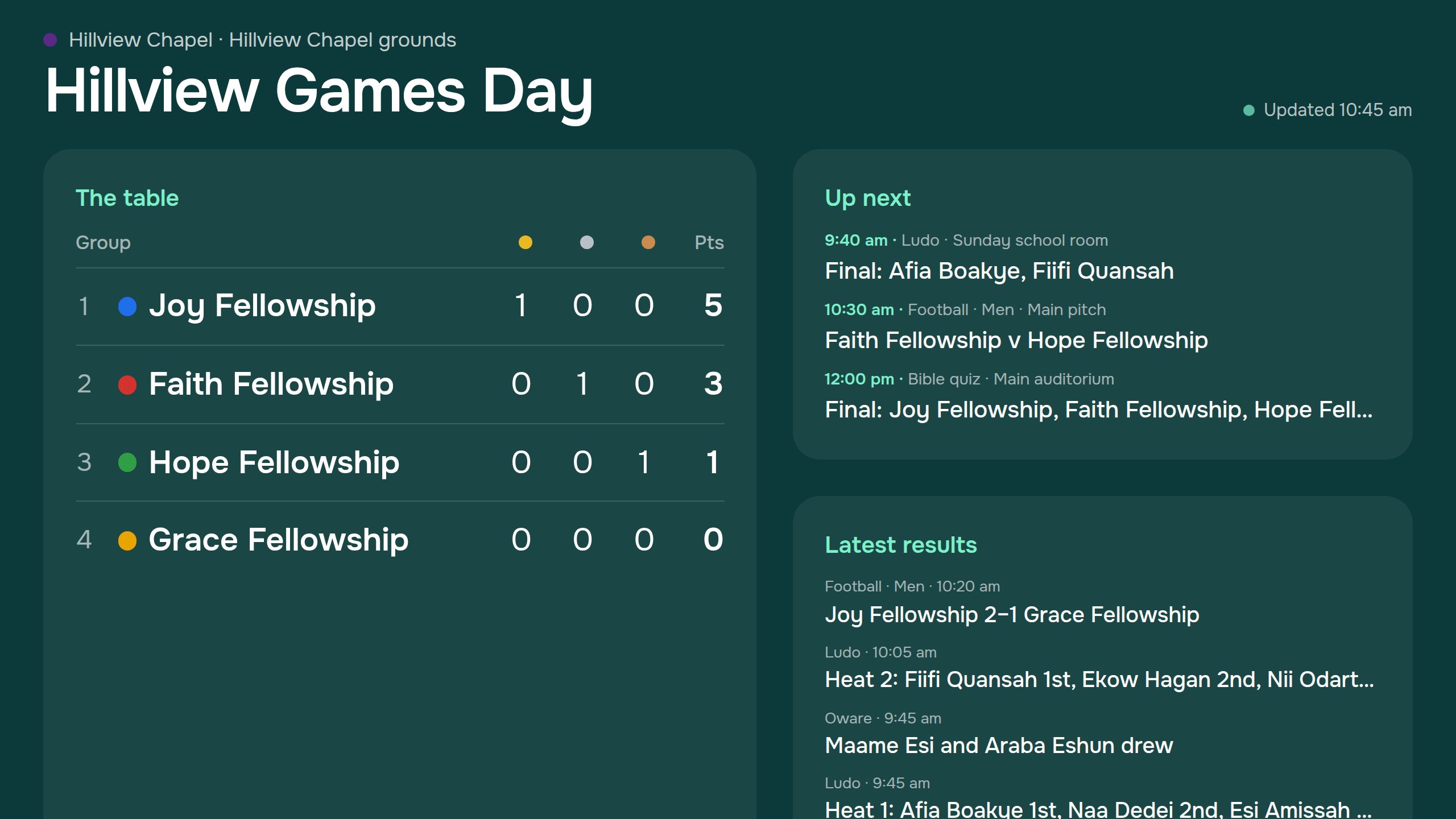
- Put the board on a projector or TV: the table, what’s next and the latest results, updating itself
- Turn on the public page, so families can follow from anywhere without signing in
- 03
Afterwards, the record and next year
The day is kept, and next year starts from this one.
- Every game’s winners and the overall table, kept
- Spreadsheets of the people, the results and the table, for your records or your leaders
- Copy the event for next year, with the same groups, games and settings
- Members who add the event to their PlayChale account keep their games and places on their profile
Entry fees. If your event charges an entry fee, mark who has paid, in cash or MoMo. Each member sees only their own. PlayChale never holds or handles the money: it is paid to you, as it is today.
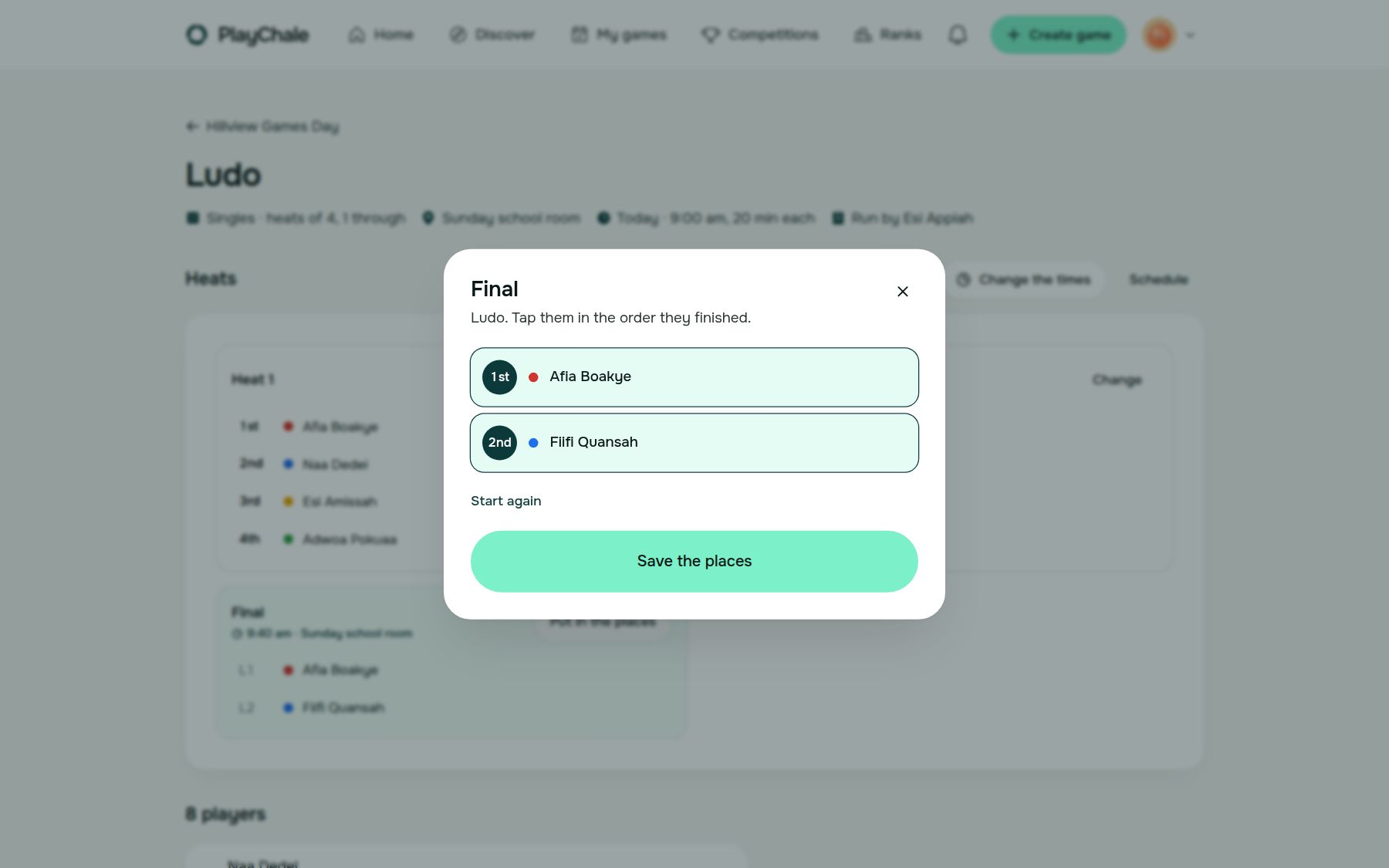
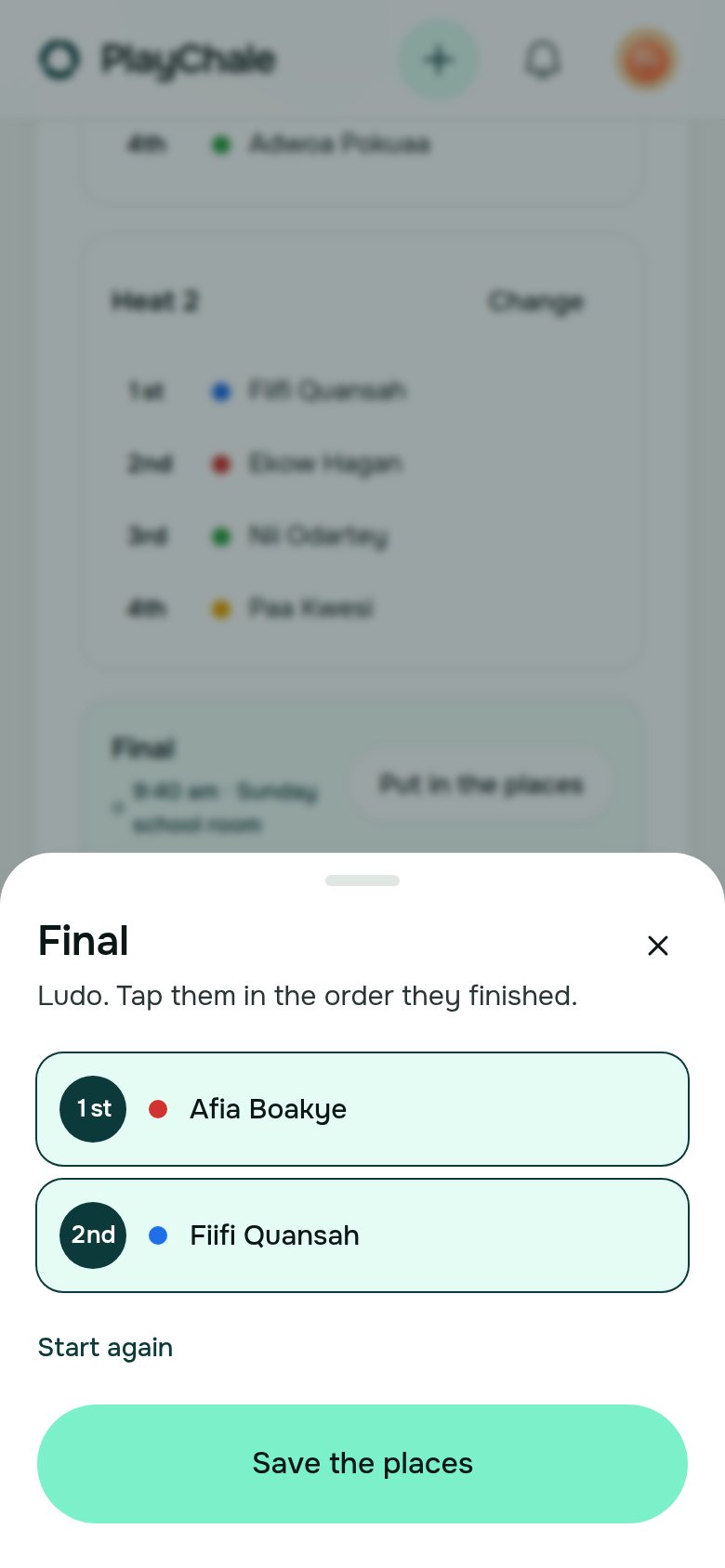
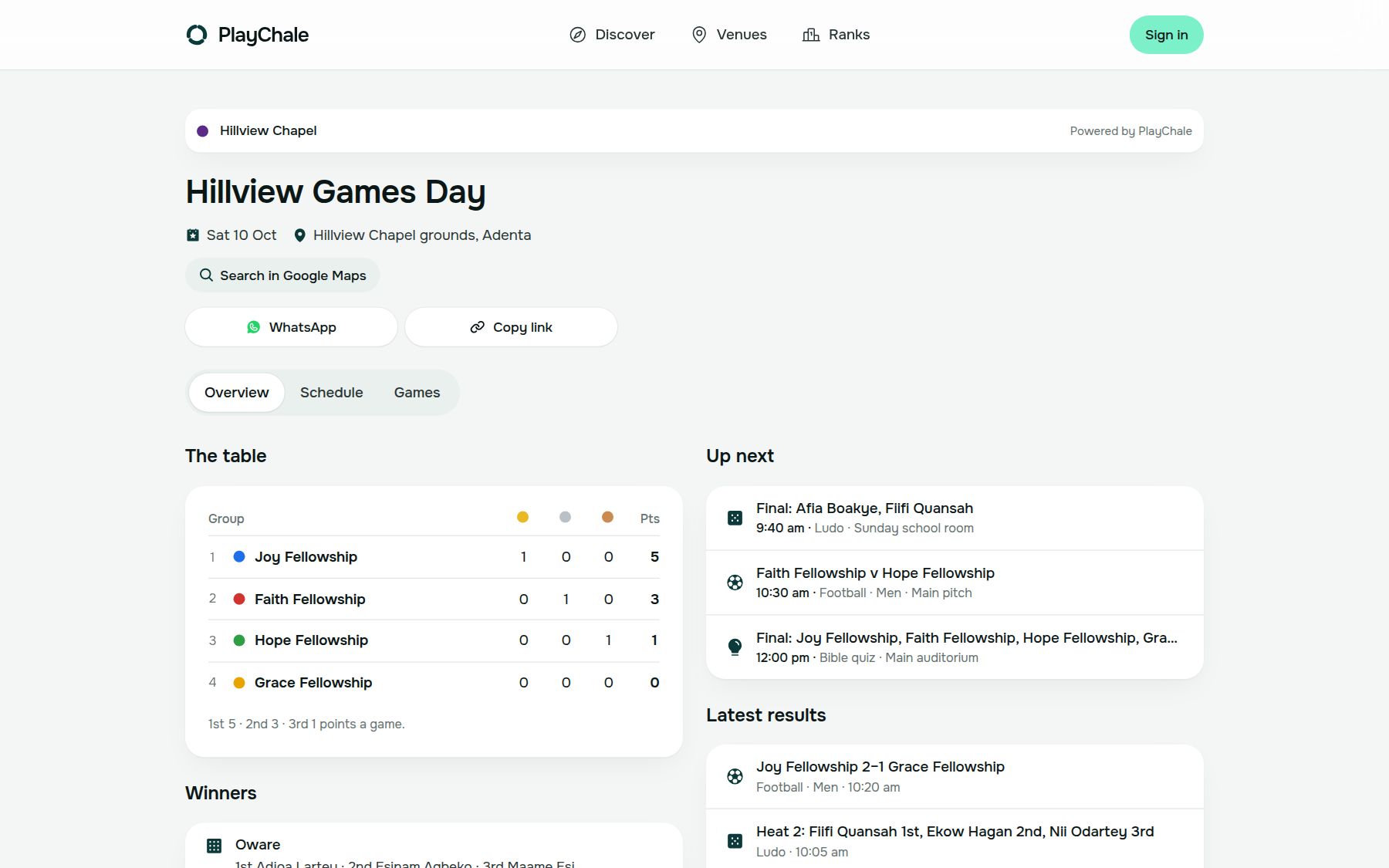
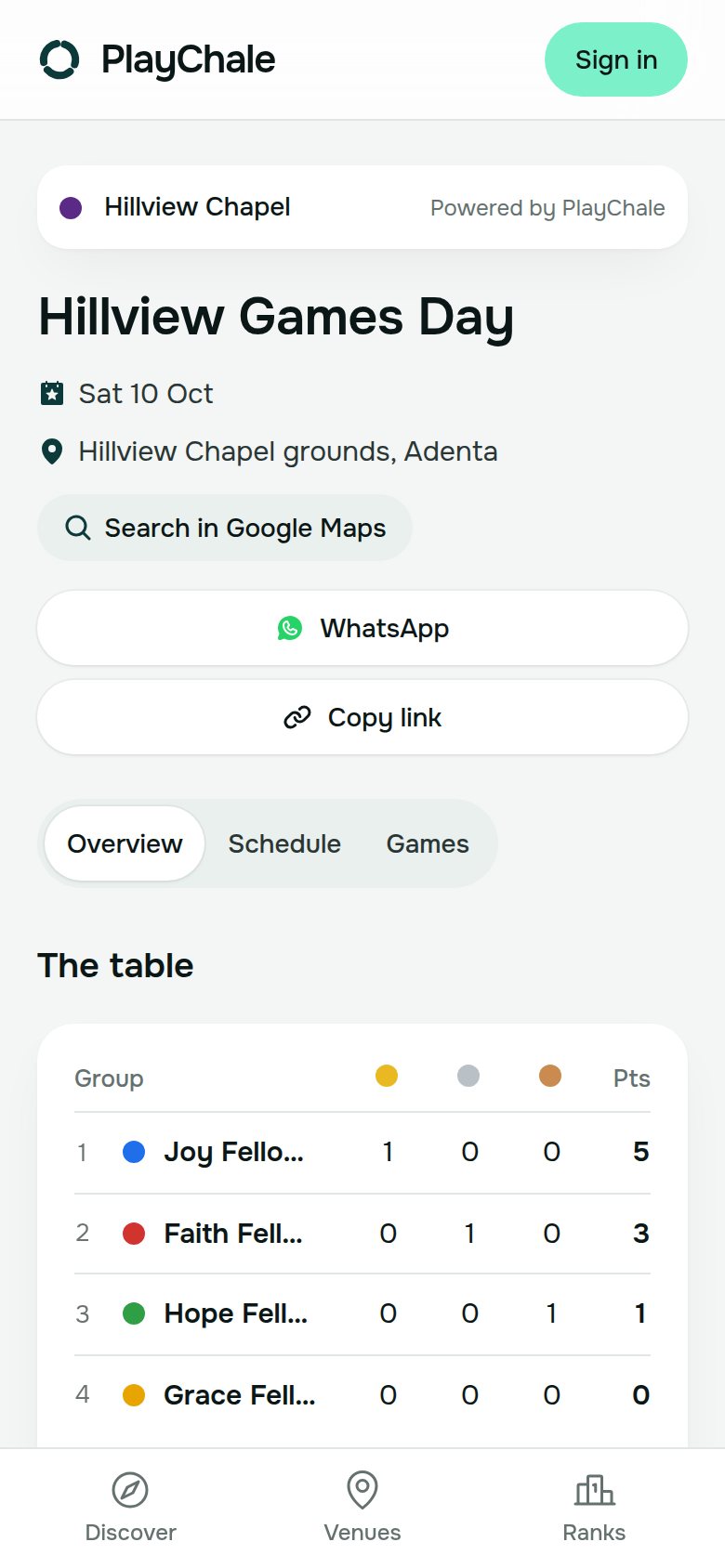
The screens, as they are
On a laptop and on a phone, from the demo games day in the app.
Made for days with children in them
Care with names, numbers and who sees what.
Only the names you type
People appear as you add them, and a first name is enough for a child. Add children with their parents’ or the school’s agreement.
No numbers on show
Nobody’s phone number, account or payments are shown on the board or the public page.
The public page is yours to switch
It’s off until you turn it on, opens only for people with the link, and is kept out of search engines. Turn it off and the link stops working.
Coordinators see their games
They put in results for the games you give them, and nothing else.
Four steps to your first one
All you need is a phone with a browser. Nothing has to be installed, though PlayChale can be added to the home screen like an app.
- 1Sign in with your Ghana phone number, your email or Google, then create a workspace for your church or school under Organisations.
- 2Create the event: its name, the day, the place, and your fellowships, houses or classes.
- 3Add your games and people, or share the join link so members pick their own games.
- 4On the day, give coordinators their games, put the board on the screen and share the public page.
Would you like a hand with your first games day?
Write to us and we’ll walk through it with you, from your groups and games to the board on the day.